
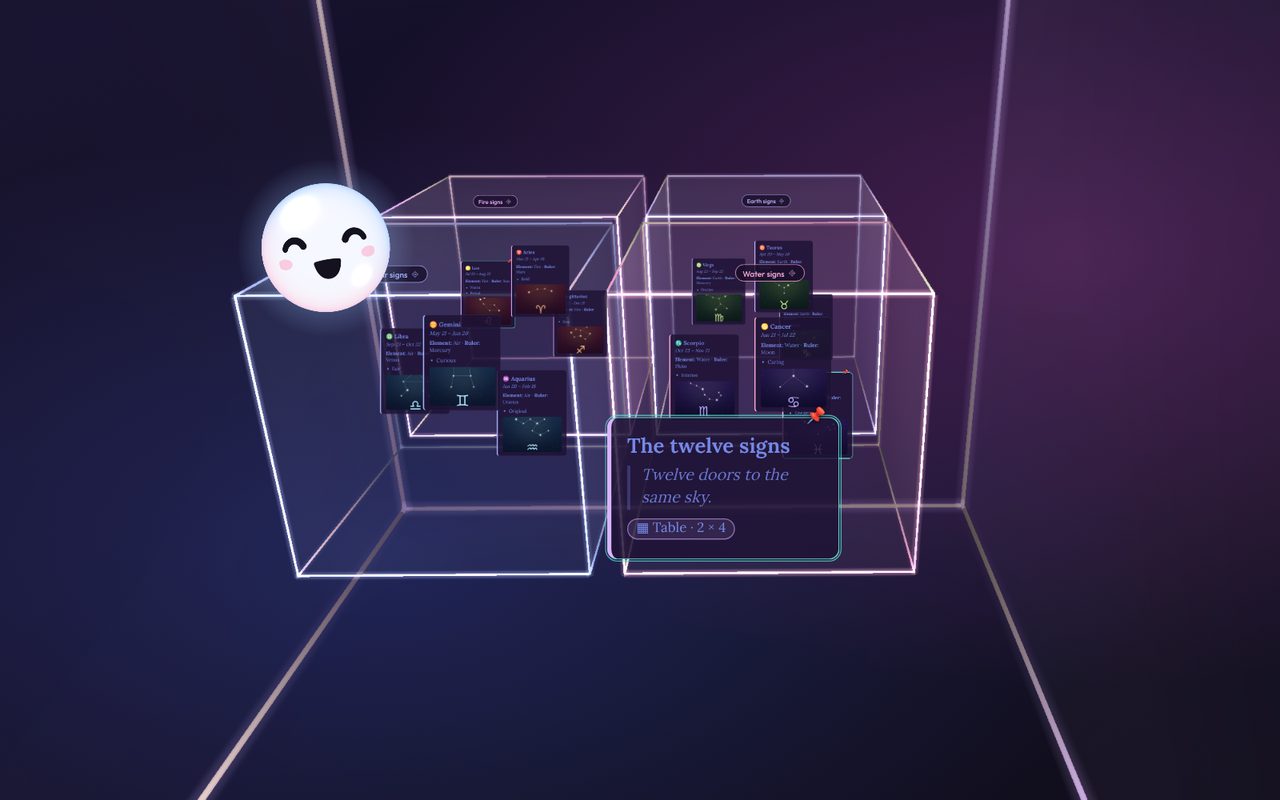
Boxes in space
Group ideas into boxes, and boxes inside boxes. Spin around them, zoom in, and every card stays readable.
N new ideaPaNebula is a 3D idea space. Drop your thoughts into boxes, link the ones that belong together, and fly through it all. Nebu, your small companion, drifts along and notices the patterns.
Founder’s price during launch week. One-time purchase, no subscription.
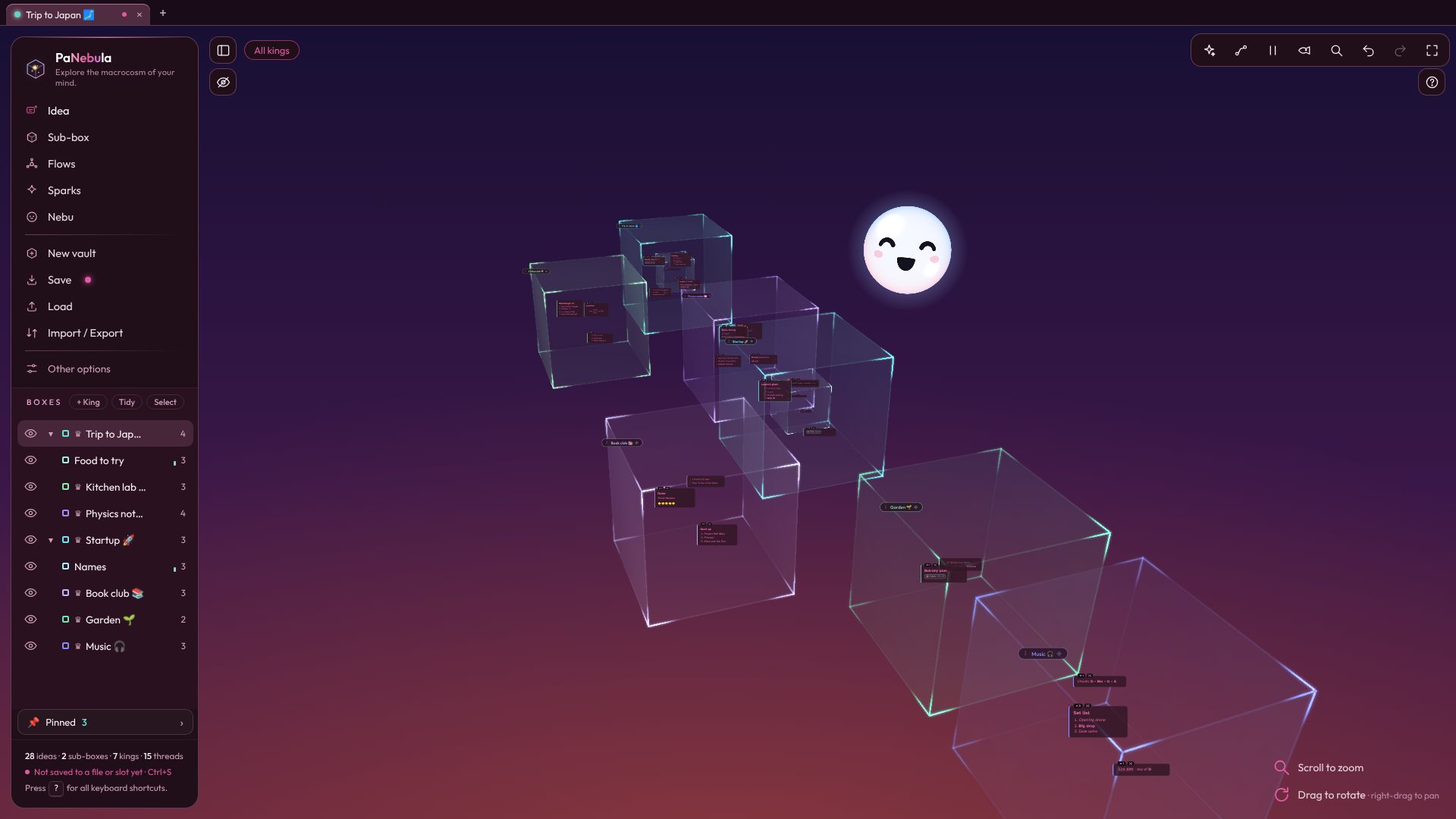
No pages, no folders to dig through. Your ideas live in space, and you move between them the way you'd look around a room.
Group ideas into boxes, and boxes inside boxes. Spin around them, zoom in, and every card stays readable.
N new idea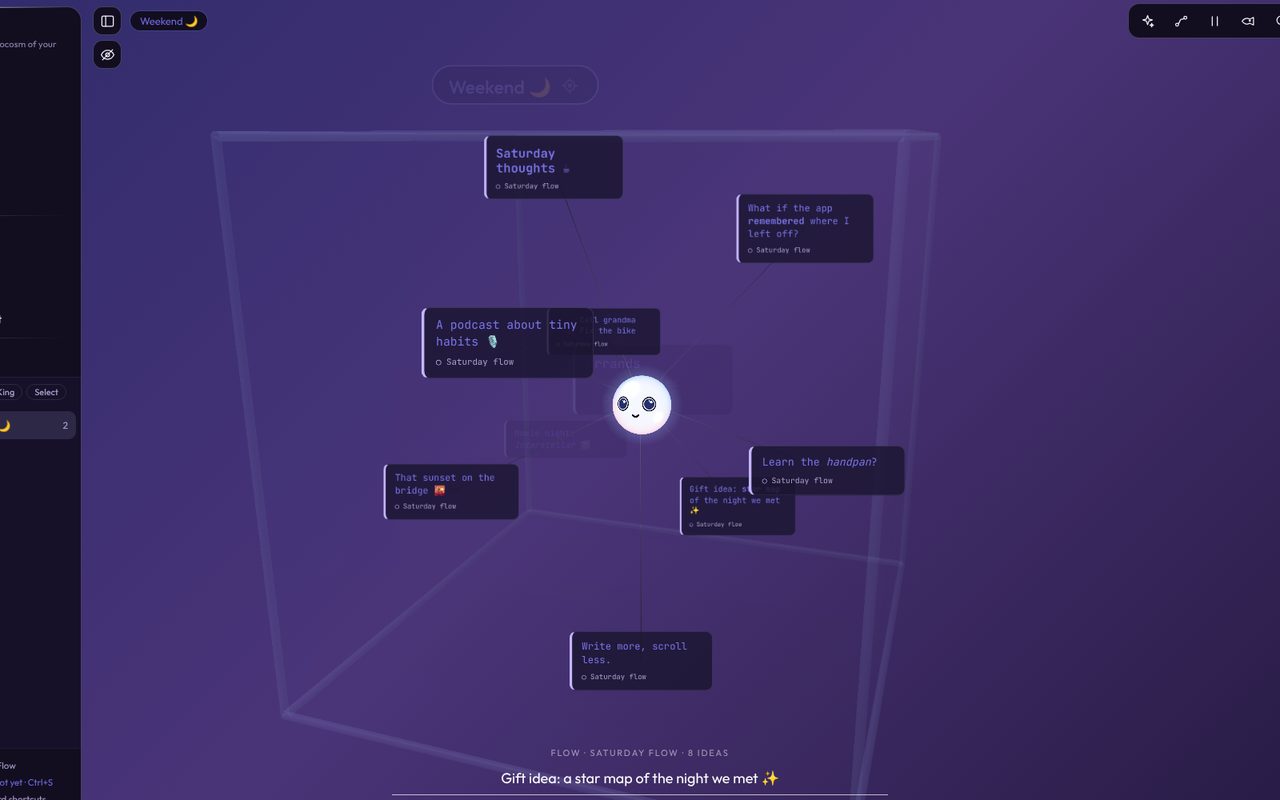
When ideas come quickly, open a Flow and keep typing. Each line becomes an idea, and together they form a cluster.
R start a Flow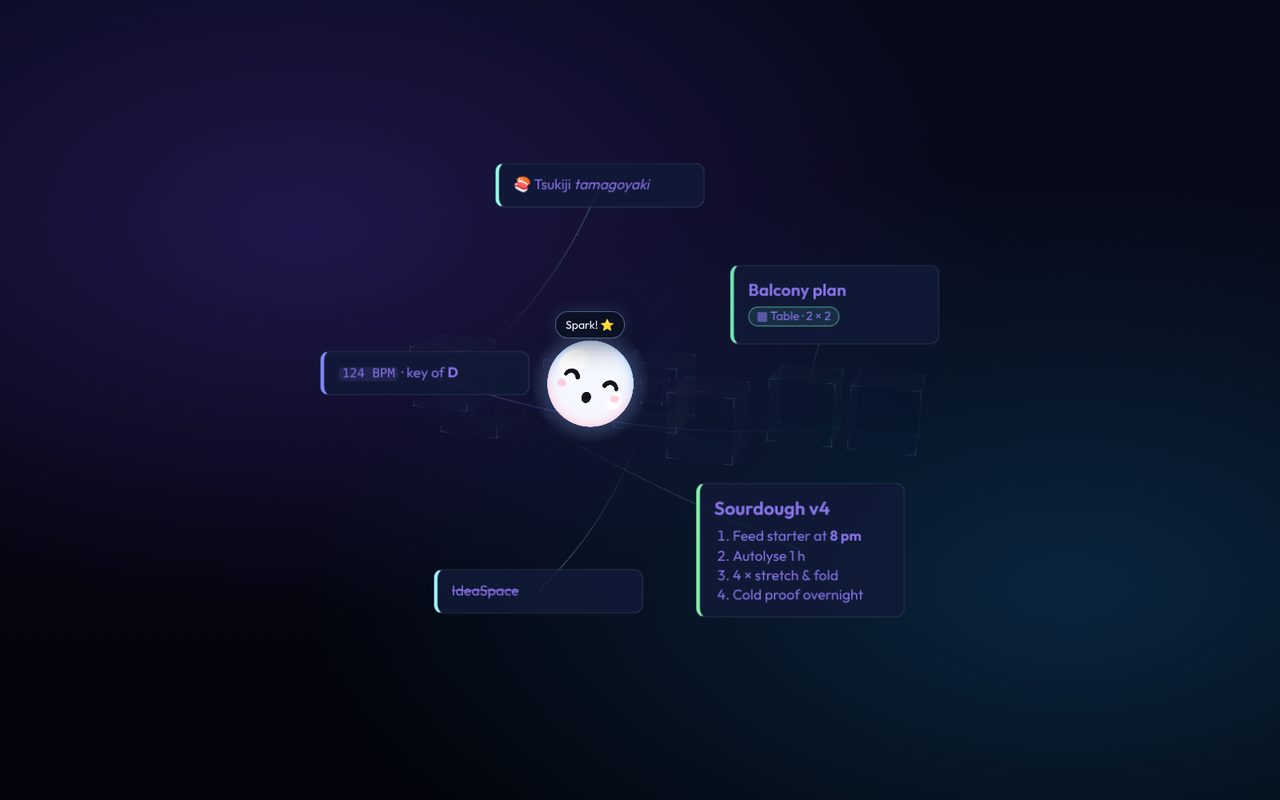
PaNebula pulls a random handful of your ideas in front of you. When a few of them click together, capture the Spark.
S Spark mode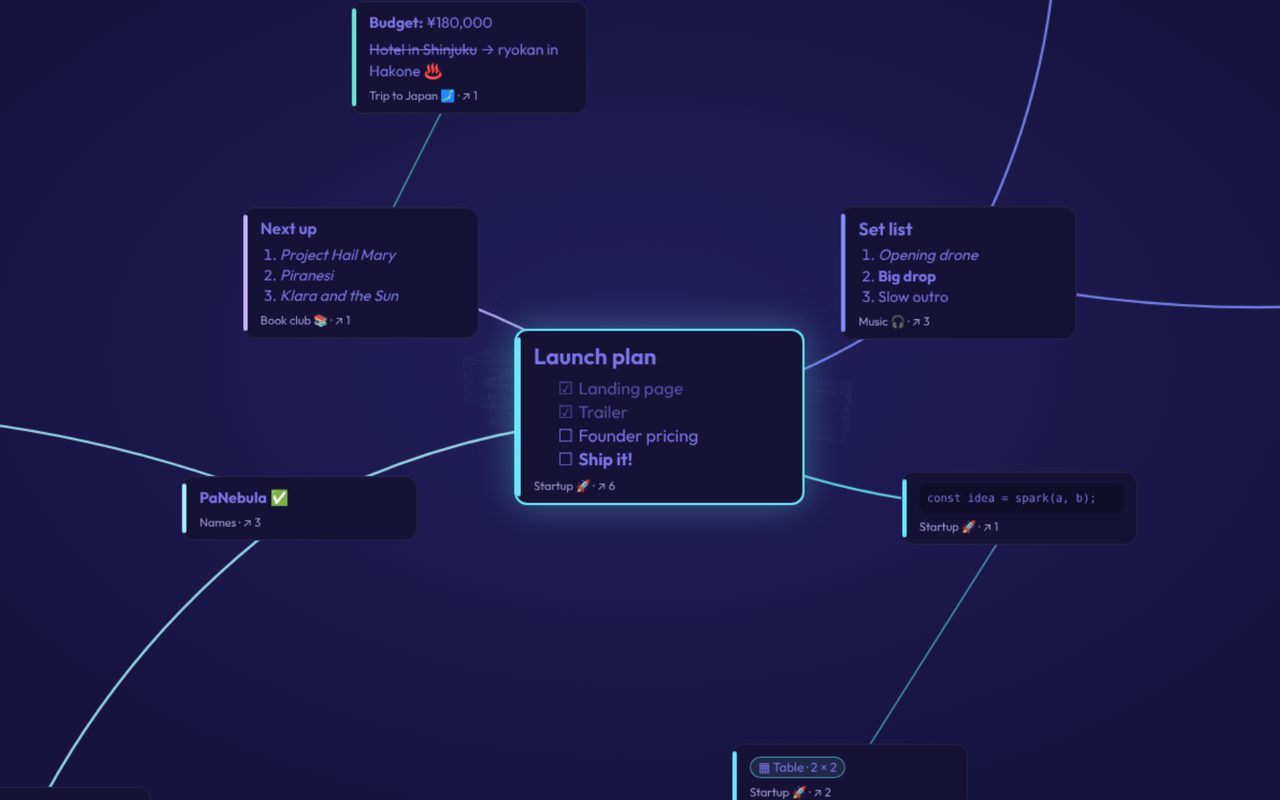
Link ideas across boxes with threads, then lay them out as a radial or grid mind map. Export it as a picture.
G mind map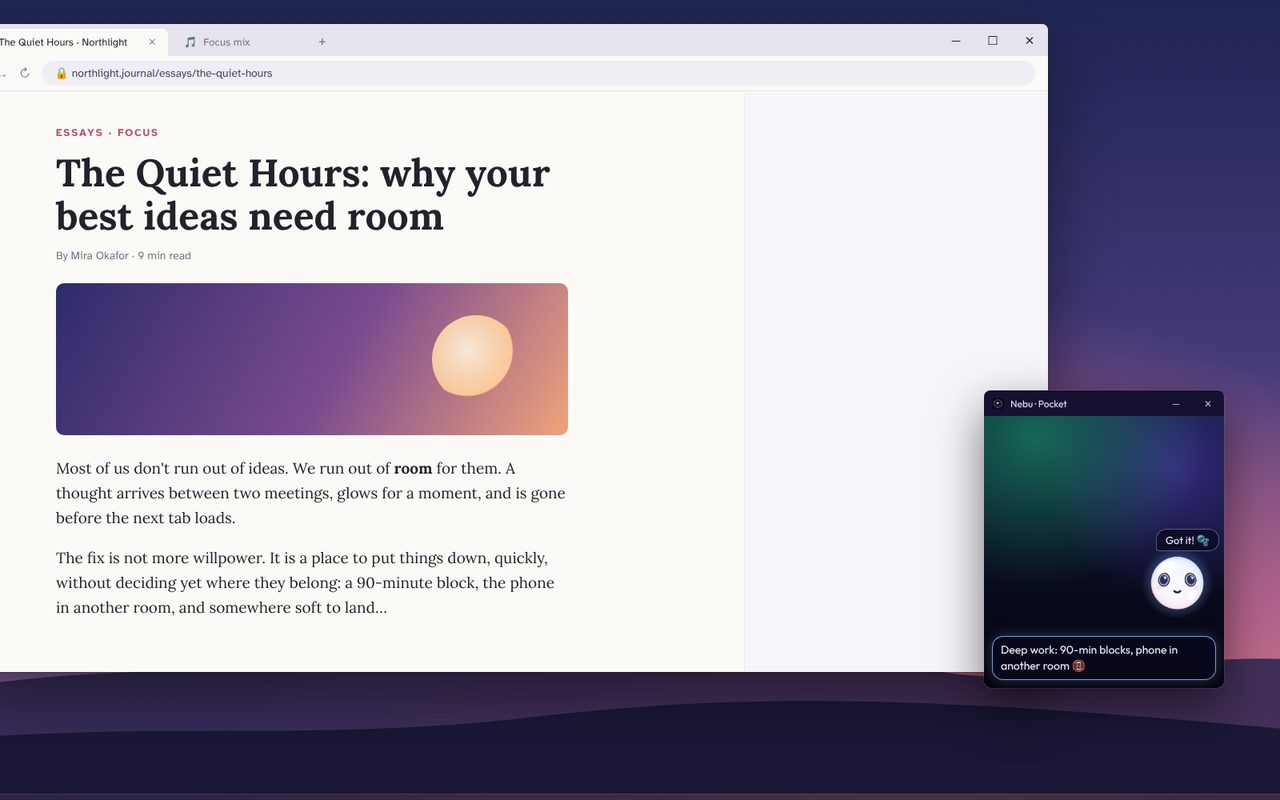
Nebu hops into a small window that stays on top of your other apps. Catch a thought while you read or work, without switching.
Q open the Pocket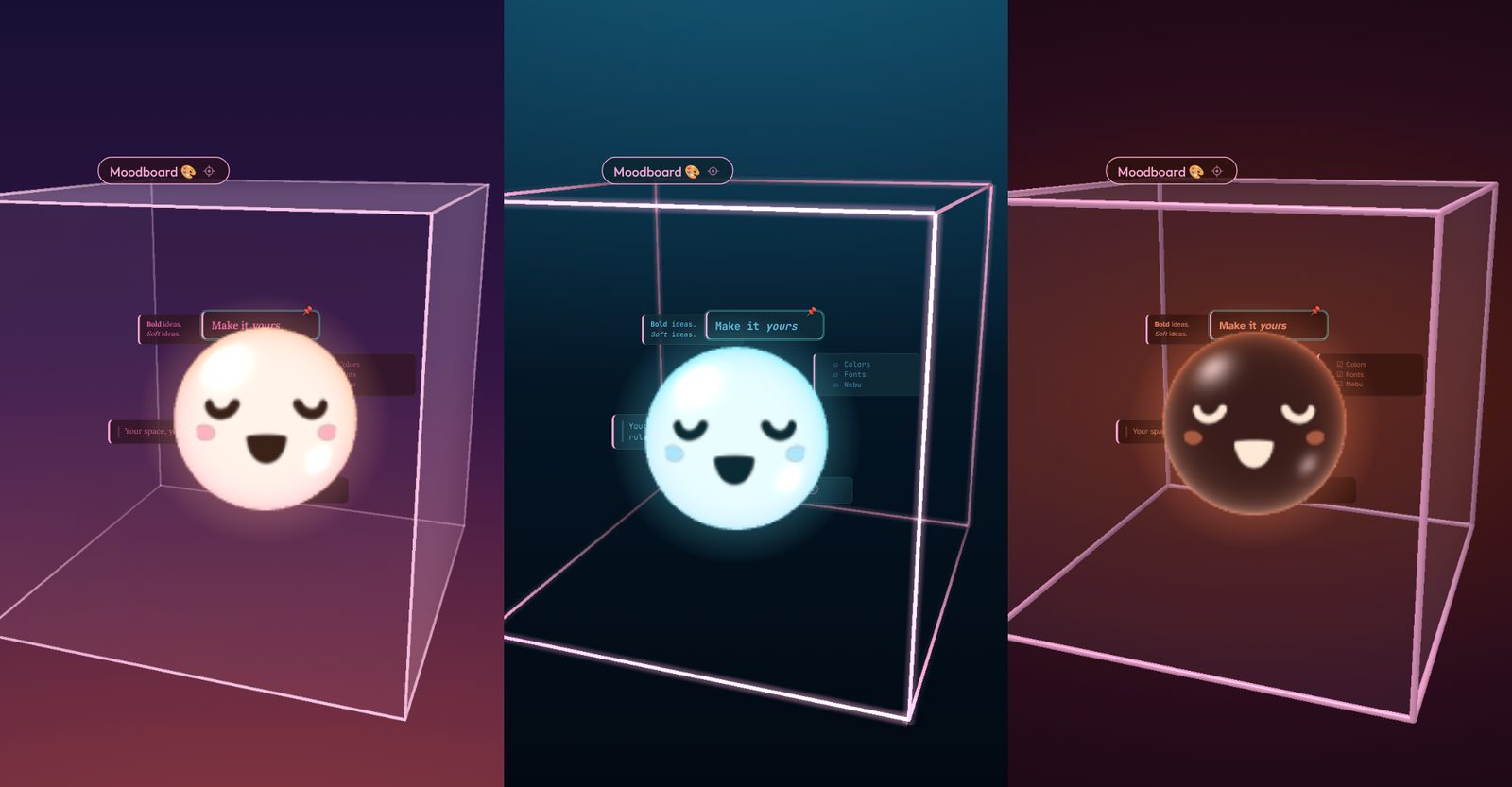
Backgrounds, box styles, fonts, and Nebu's own colors. Each vault keeps its own look.
Other options
You added a new idea!
Nebu drifts through your vault and notices things: a question you never came back to, two ideas that seem related, a box that's been growing all week. Now and then it asks you about them.
When a few ideas keep circling the same theme, Nebu shows them side by side and offers to gather them into their own box.
Nebu reads your ideas only on your computer. Talk often, rarely, or never. Let it rest whenever you like.
I started PaNebula while I was stuck on a novel I write in my free time, looking for new ideas. The usual note apps didn't feel expressive or interactive enough. I wanted a place where all my ideas could feel equal, and connected.
As I built it, I realized it could be used for far more than writing. What it's really for is the moment an insight appears. Seeing many of your ideas floating around you in 3D, a little chaotically, helps with creativity, with solving problems, and with finding new ways to connect things.
That's where Nebu comes in. Just by drifting over to an idea, Nebu nudges your mind toward deeper connections, the kind you'd rarely find scrolling through a flat, 2D list.
PaNebula is made by one person, an indie developer in Cyprus.
PaNebula is built by a solo developer and keeps evolving. Here's a look at what's coming. This roadmap is a living plan, and priorities may shift with your feedback, so tell me what you'd like to see.
Install it and start. No sign-up, no login, no email needed to use it.
PaNebula doesn't need the internet. Your vaults are saved on your computer, as files you can back up.
No analytics, no ads, nothing sent anywhere. Read the privacy policy; it's short.
Payments are handled securely by Lemon Squeezy, who also take care of taxes and receipts.
No. Everything works offline. The only time it goes online is if you add a YouTube link to an idea and play it, since the video comes from YouTube.
On your computer. PaNebula saves automatically as you work, and you can save each vault as a file (.nebu) anywhere you like, including a folder you already back up. Turn on automatic backups in Other options for extra safety.
Yes. You can tell Nebu to talk often, rarely, or never, let it rest, or take it out of the vault entirely. Your ideas work the same either way.
Not yet. PaNebula is for Windows 10 and 11 for now. If you'd like a Mac version, write to me. It helps me decide what comes next.
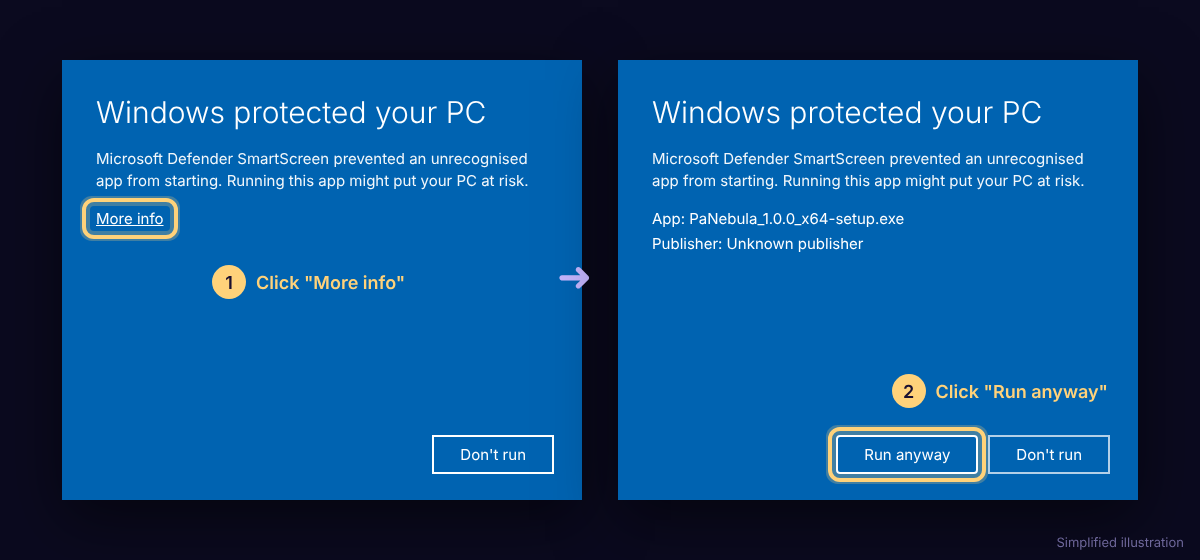
Yes. Windows shows this for new apps from independent developers that don't have an expensive code-signing certificate yet. It's a warning about how new the app is, not about anything wrong with it. Click More info, then Run anyway, and the installer starts. You'll only see it the first time.
The desktop app draws its 3D space through Microsoft Edge WebView2, a part of Windows 10 and 11 that many apps use to show their screens. Laptops with two graphics chips (a power-saving one built into the processor, and a faster one from NVIDIA or AMD) often give WebView2 the power-saving one. PaNebula still works, but big vaults can feel less smooth.
You can tell Windows to use the faster graphics card instead. The setting belongs to WebView2's own program, msedgewebview2.exe, not to PaNebula.exe:
C:\Program Files (x86)\Microsoft\EdgeWebView\Application, open the folder with the version number (for example 130.0.2849.80), and pick msedgewebview2.exe.With an NVIDIA card, you can do the same in the NVIDIA Control Panel: Manage 3D settings, Program Settings, Add, pick the same msedgewebview2.exe, and choose High-performance NVIDIA processor.
To check it worked: open Task Manager (Ctrl + Shift + Esc), right-click the column headers and turn on GPU engine. The WebView2 entries under PaNebula should show your faster graphics card's number (often GPU 1).
Good to know: WebView2 updates itself, and each update has a new version folder. If PaNebula feels slow again after a while, repeat these steps with the newest folder. Older laptops and computers with only one graphics chip don't need any of this.
The engine
The features
Yes! Try PaNebula in your browser, with a shorter guided tour by Nebu. It works best in Chrome or Edge on a computer. The demo doesn't save anything, and the desktop app runs faster and smoother.
Write to me within 14 days of buying and you'll get a full refund. See the refund policy.
PaNebula is made by one person, a solo developer who isn't a programmer. The idea, the design, the tutorials, Nebu and all the testing are mine; the code itself was written by an AI (Claude) while I directed every step, tried every change, and sent back what needed fixing. Read more in About.
Yes. PaNebula imports Markdown, text and CSV, and can take in a whole folder of files at once. It exports to Markdown, text, CSV and JSON, so you're never locked in.
PaNebula is built by a solo indie developer. I read every email personally and aim to respond within 48 hours (Monday to Friday). If you are experiencing a critical bug, please put URGENT in the subject line.
support@panebula.com Send an email